1) Login screen
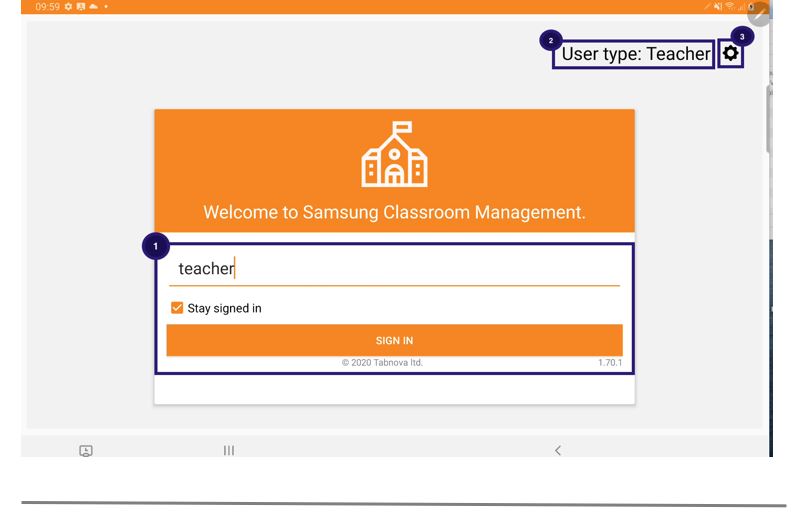
- The user name needs to be entered and press the SIGN IN button. The stay signed in option will ensure that the user will not logout when the application restarts
- User Type will display whether the user is a Teacher or a Student.
- The settings menu on this page will display the license information, user type, country, school name.